

Heads-Up Display
One view application for Desk Advisors
My Role
I led the Product Design strategy, User Experience, DesignOps and Delivery of the design, collaborating with Product Management, UI/UX Design, User Research, Service Design and Engineering Teams.
- User Research
- User Experience
- Visual Guidelines
- UI Design
- User Testing
Understanding the Core Values
Conducted in-depth discussions with the founders to identify their vision, mission, and goals for the brand. Researched the target audience, industry landscape, and competitors to align branding with market needs and differentiation. Collaborated with stakeholders to develop a cohesive brand strategy that reflected the company’s core values and unique identity.
Problem statement
The current systems and processes are hindering our ability to deliver a seamless customer experience. This is due to a combination of factors:
- Fragmented Technology: We rely on a complex landscape of up to 27 applications, making it difficult for customers to navigate and for employees to provide efficient service.
- Outdated Interfaces: Many of our user interfaces are outdated, creating frustration for customers who may find them clunky or difficult to use.
- Disrupted Customer Journey: The customer journey is currently incomplete or broken in some areas, leading to disjointed experiences for our customers.
- Inaccurate and Inconsistent Data: Data inconsistency across different platforms creates confusion and delays for both customers and employees. Additionally, data may not be updated promptly, hindering user's ability to provide the best possible service.
- Unnecessary Resource Allocation: Due to the above issues, engineers may be required to make unnecessary site visits to resolve problems that could be addressed through a more streamlined system.
Impacts |
|
|---|---|
| Internal User | External User |
Increased Costs
Employee Satisfaction
Ineffective Operating Model
|
Effort
Service
Experience
|
Existing system
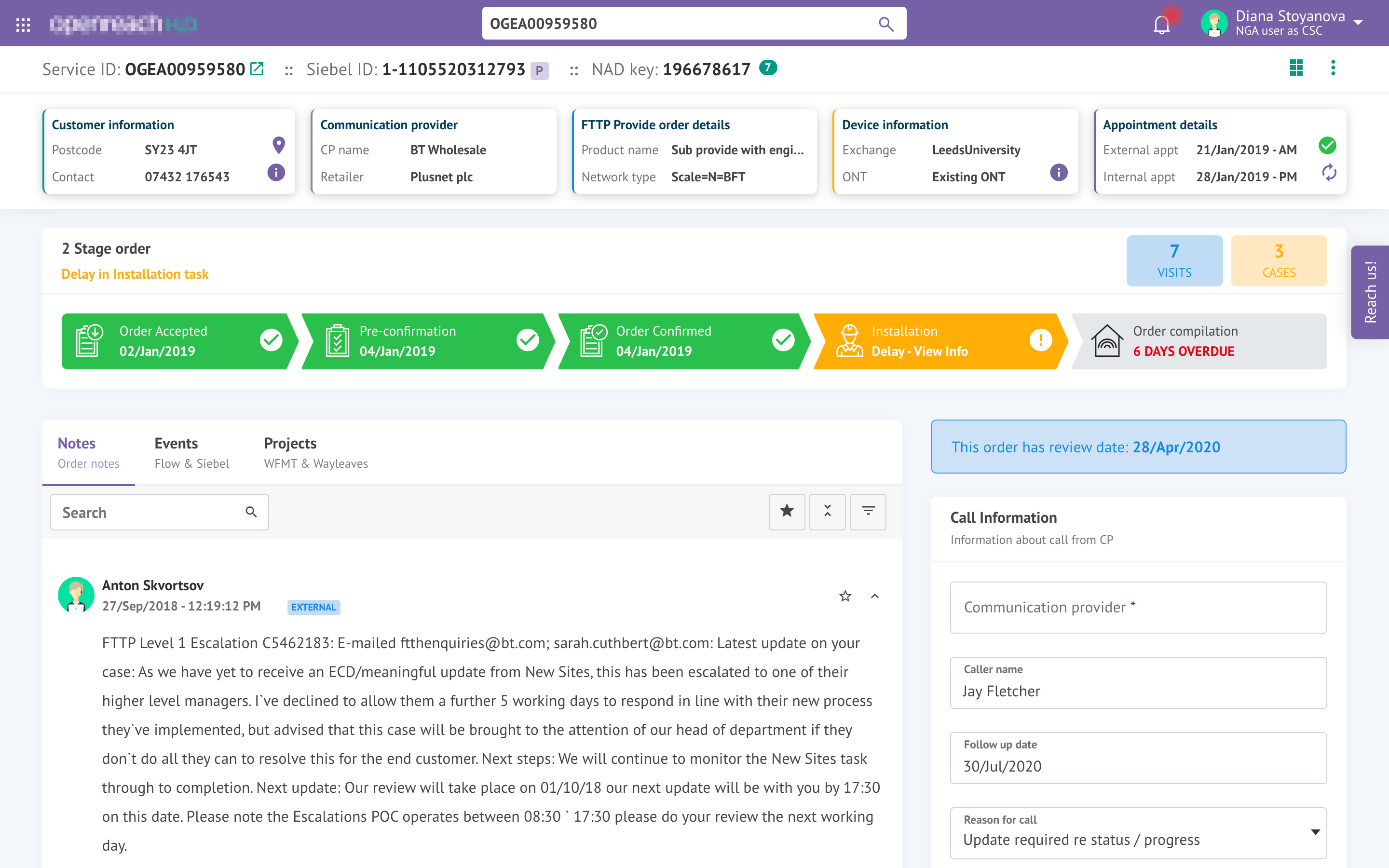
The existing system is outdated and sluggish, making it difficult for users to find the information they need.
- Limited searchability: Locating specific information is a challenge.
- Clunky interface: Excessive scrolling hinders a smooth user experience.
- Fragmented data: Information is scattered across different systems, forcing users to jump through hoops.
- Manual burden: The reliance on manual data entry is inefficient and prone to errors.
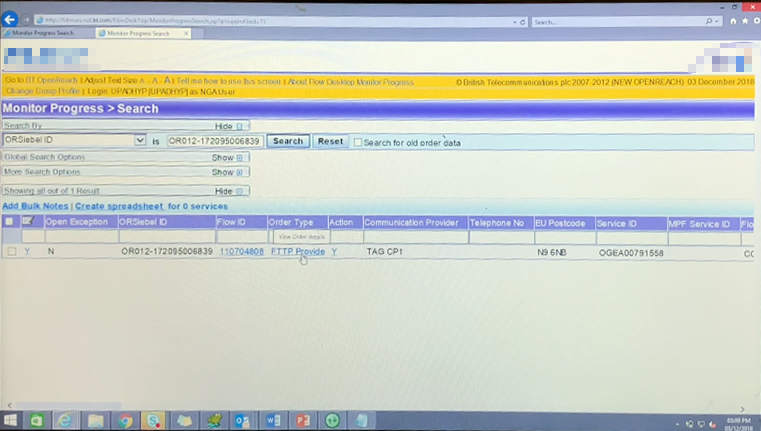 Screenshot of existing application
The Process
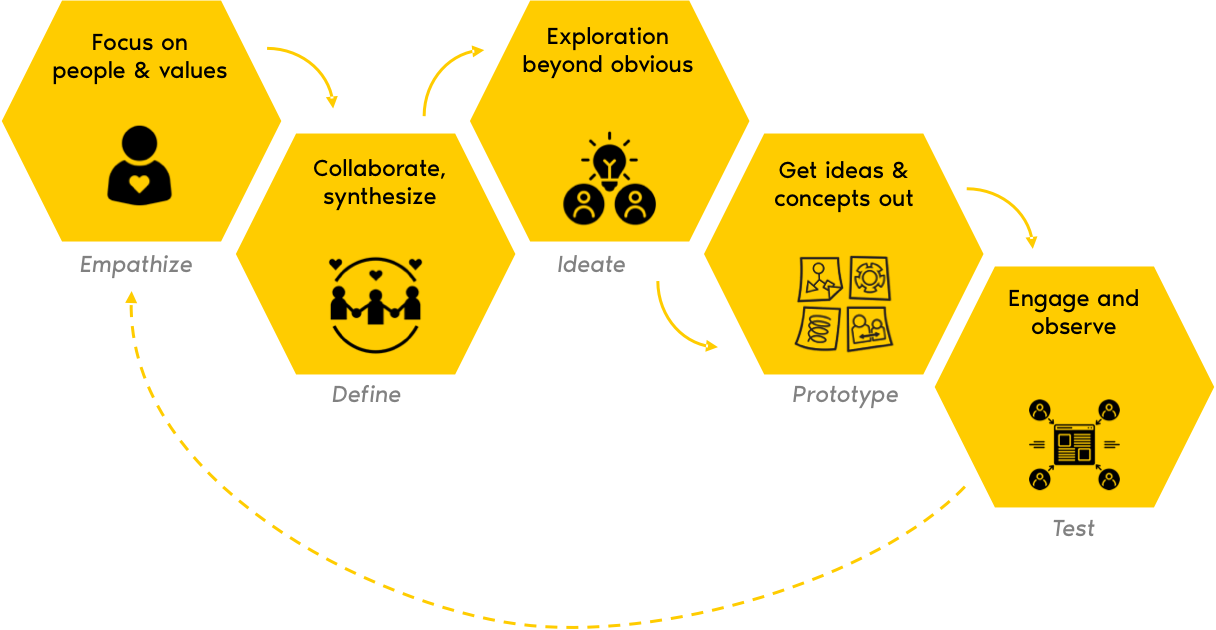
Discover
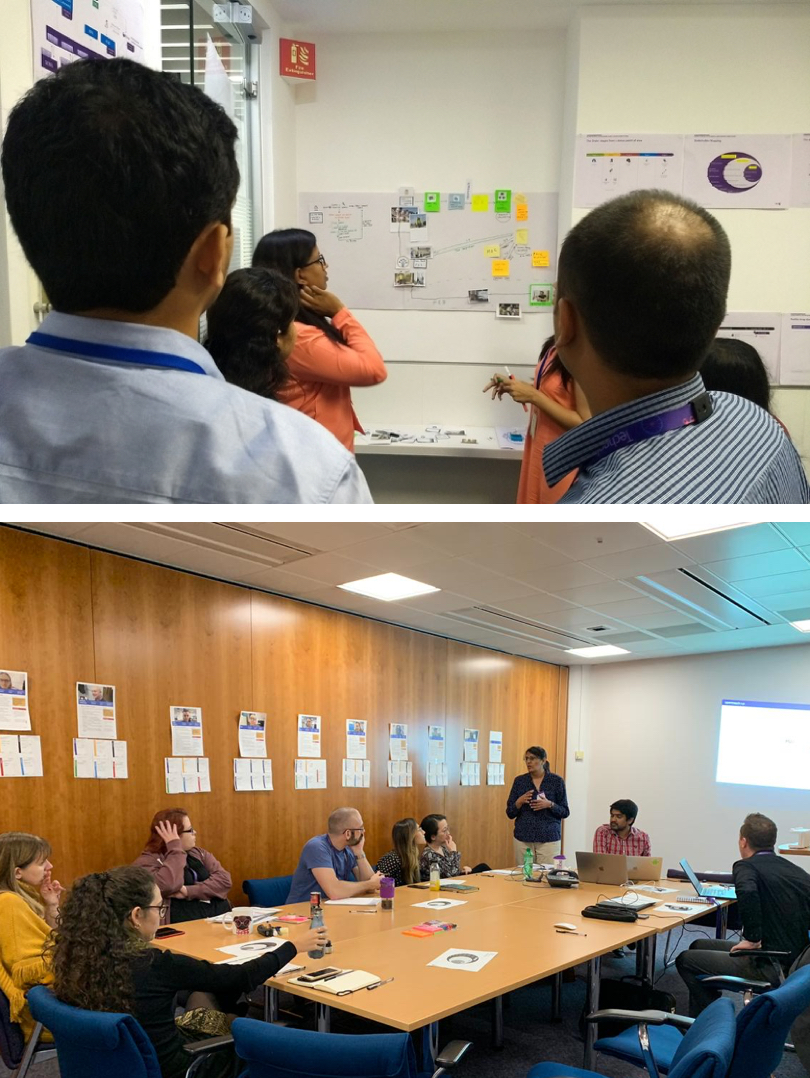
- Understanding User Needs & Business Goals: This combines understanding business goals with stakeholder needs, emphasizing a user-centric approach.
- Inventory of Existing Solutions: Replaces "review" with "inventory" to suggest a more comprehensive analysis.
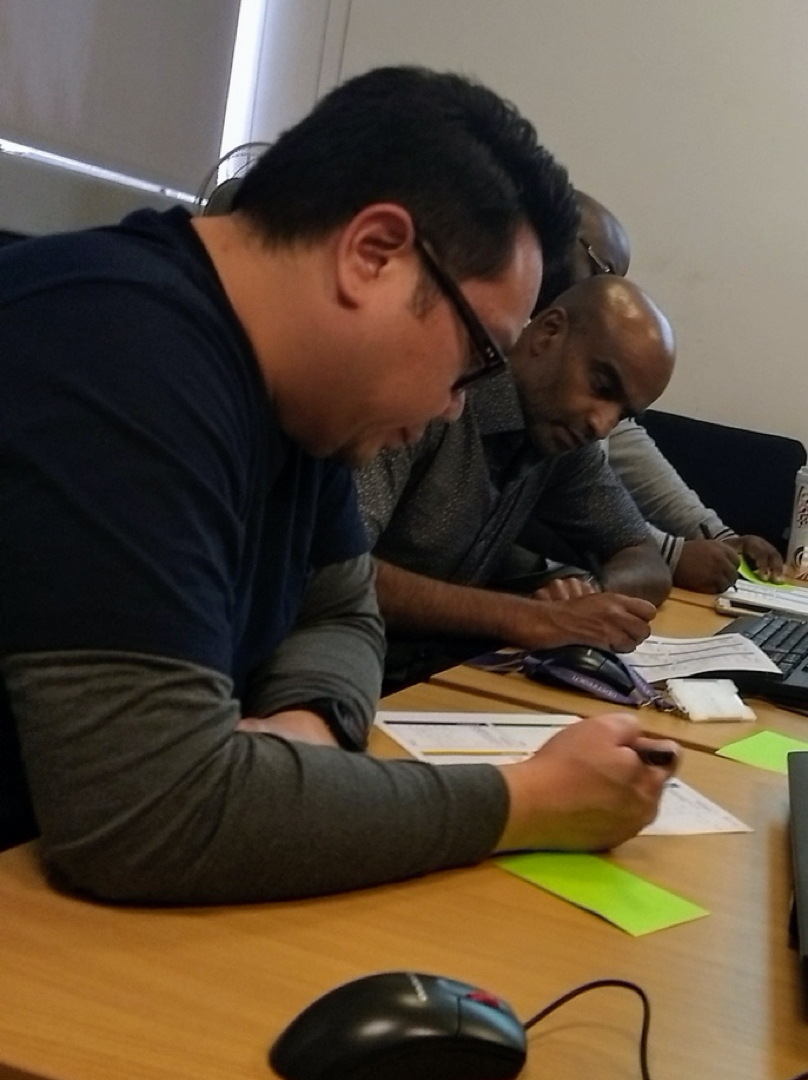
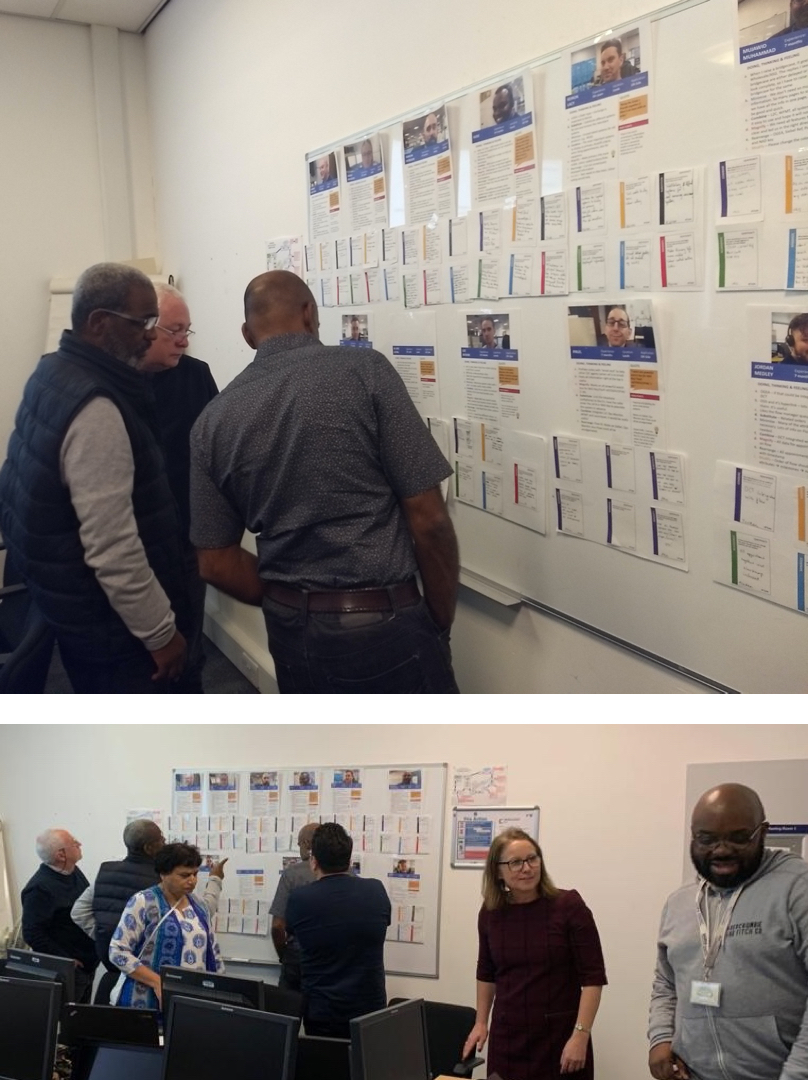
- User Research: Combines interviews and observation for a broader picture of user behavior.
- Collaborative Pain Point Identification: "Workshops" reframed to highlight user collaboration in identifying pain points.
- Prioritized Feature List: "Documented list of requirements" is rephrased to suggest a focus on features that address user needs and business goals.
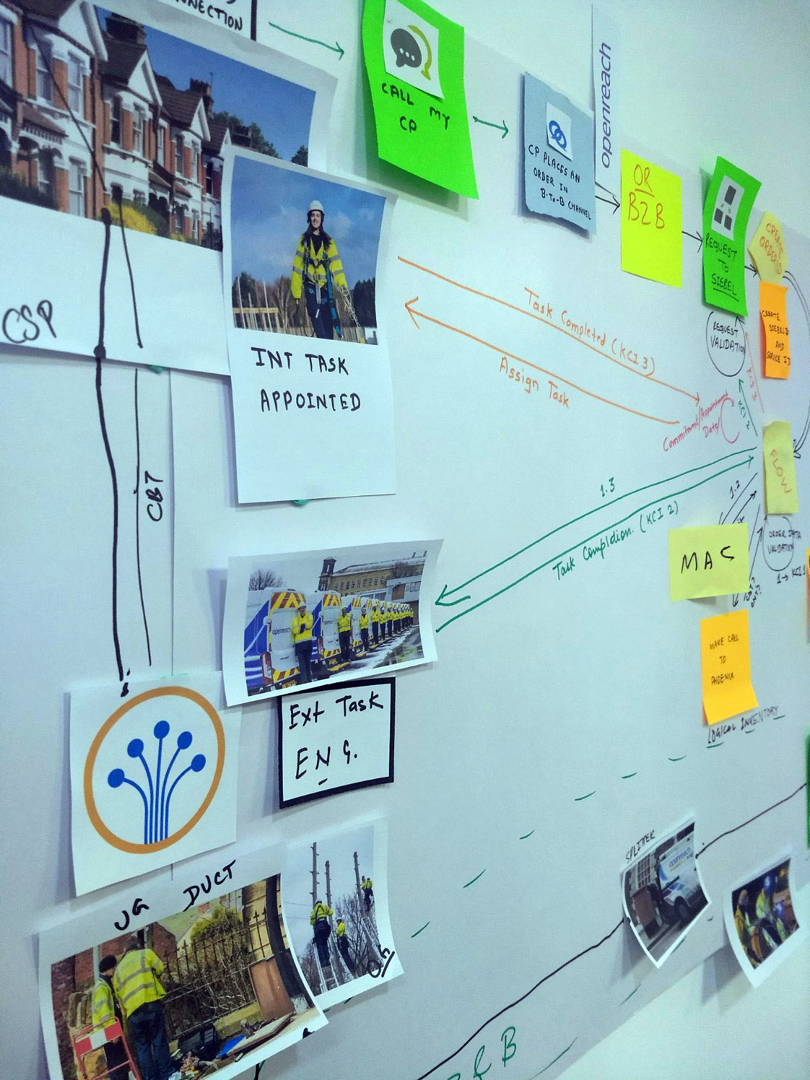
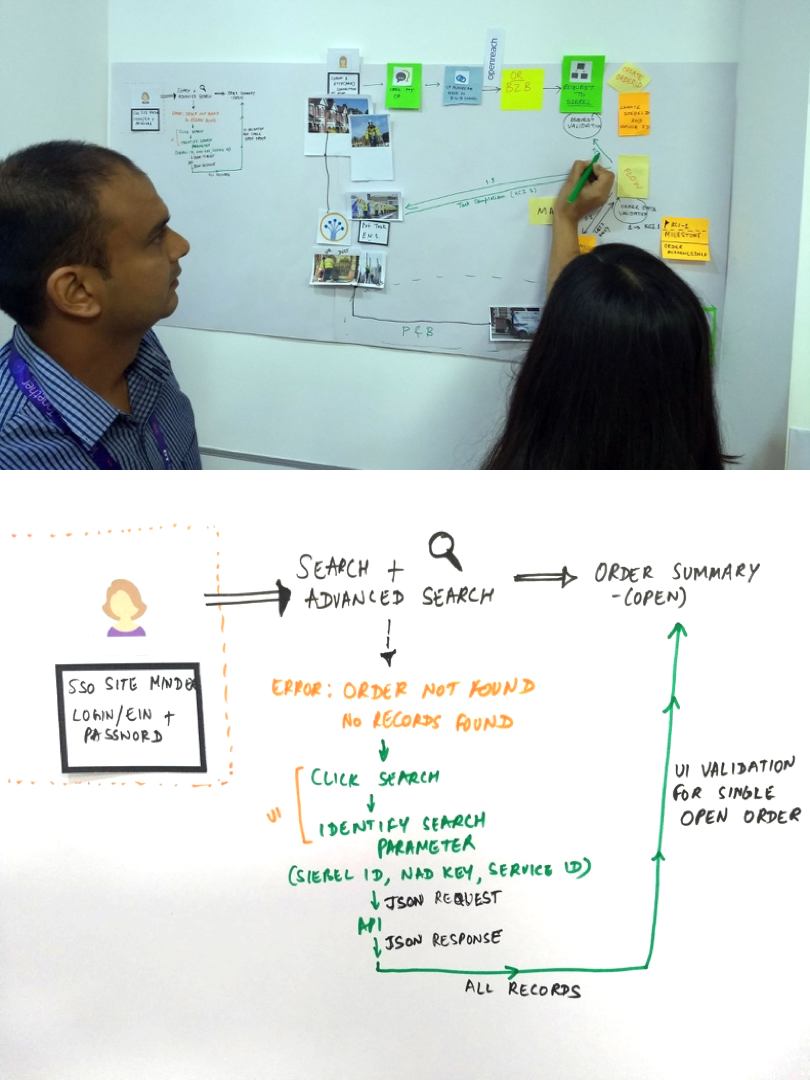
Define
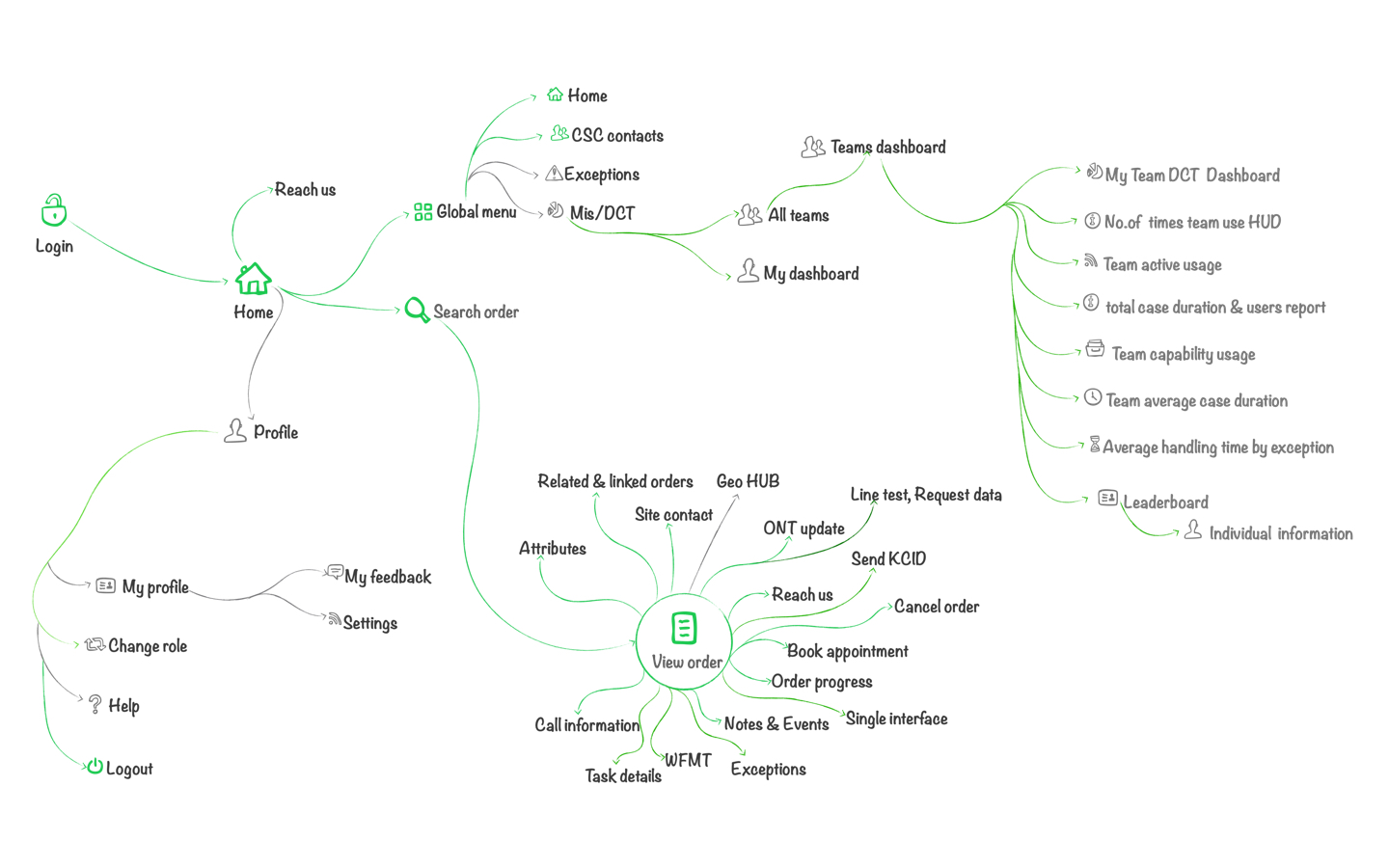
Here we have defined user roles, flow of information to user groups and information architecture for all the user groups.
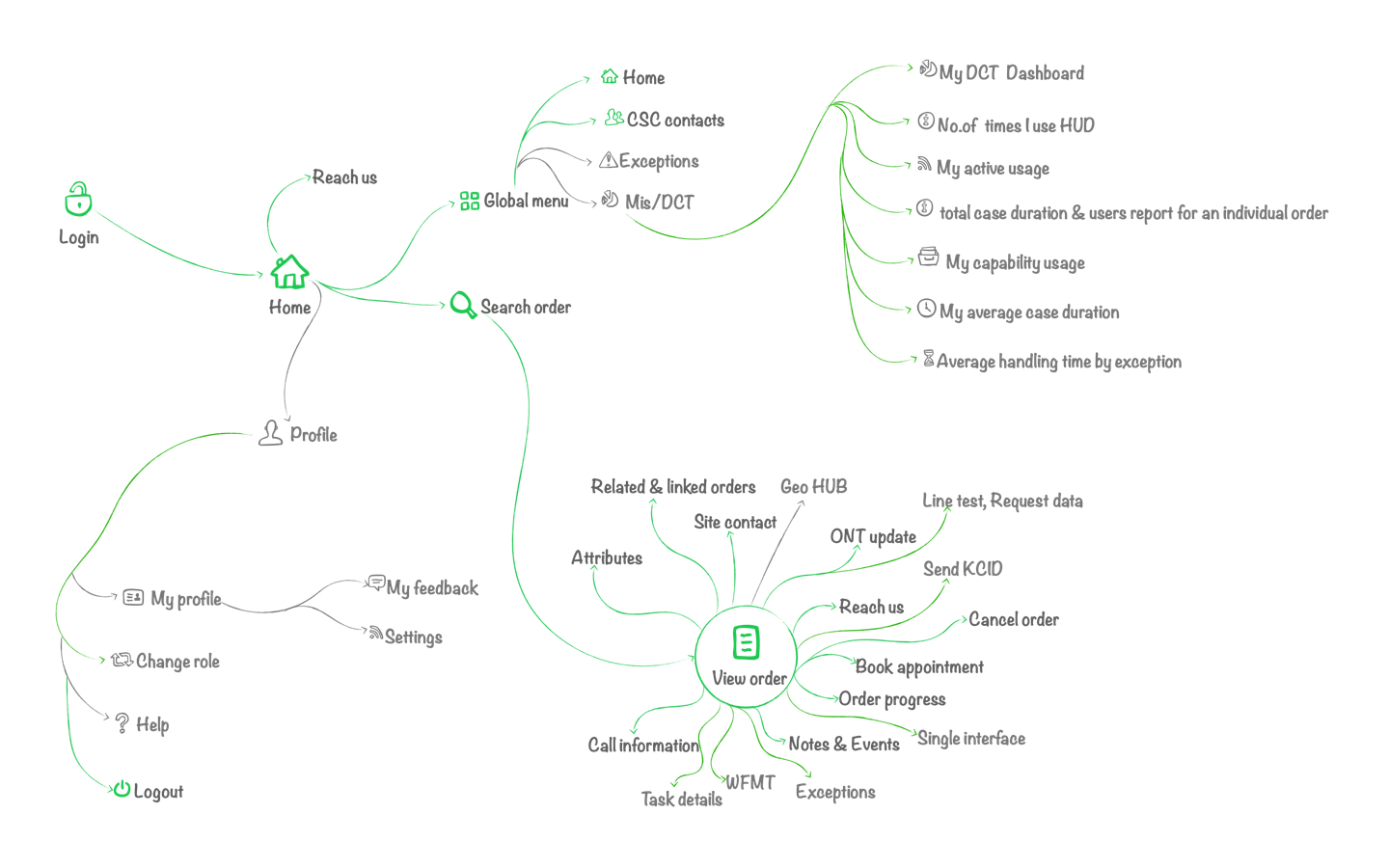
Design
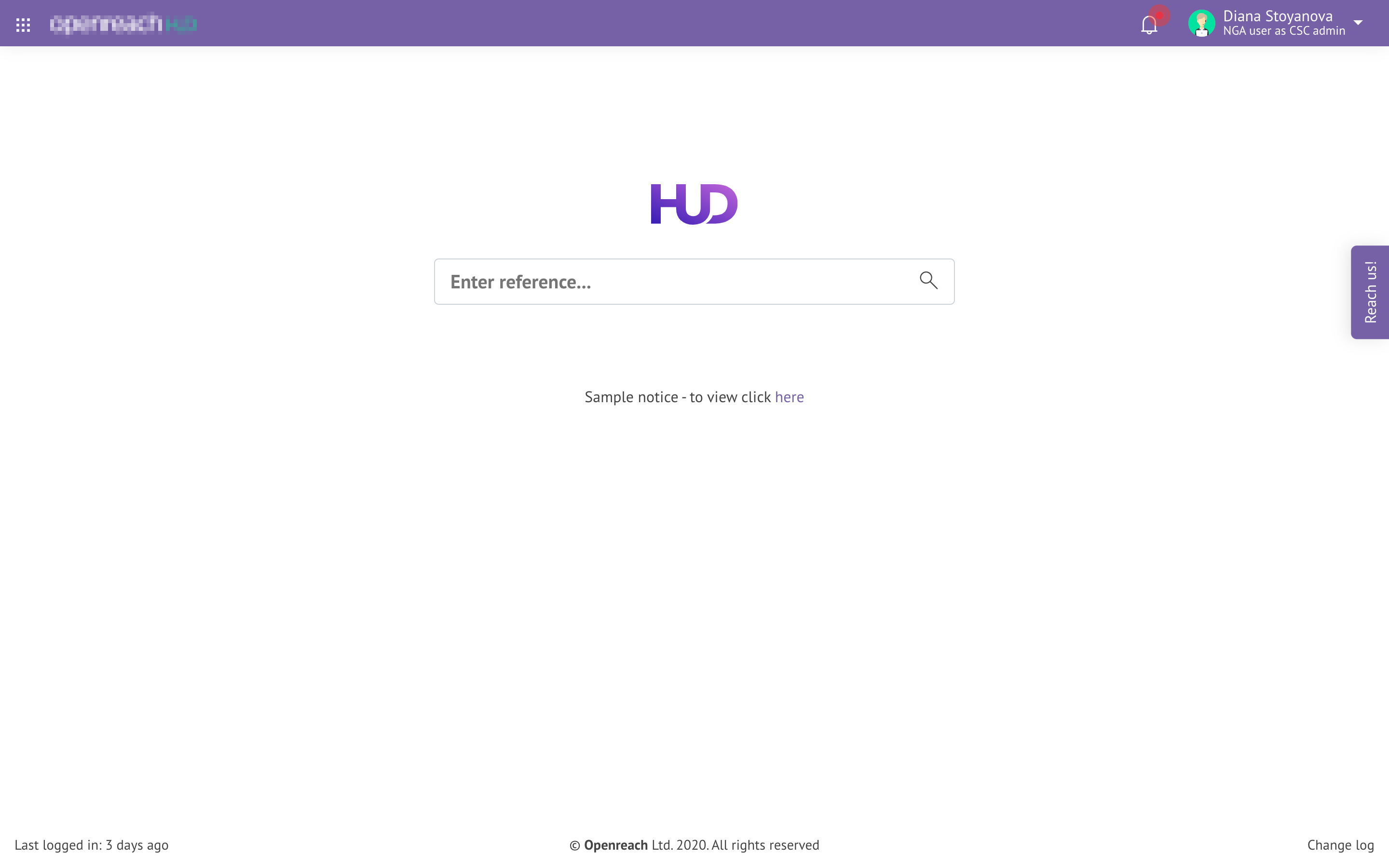
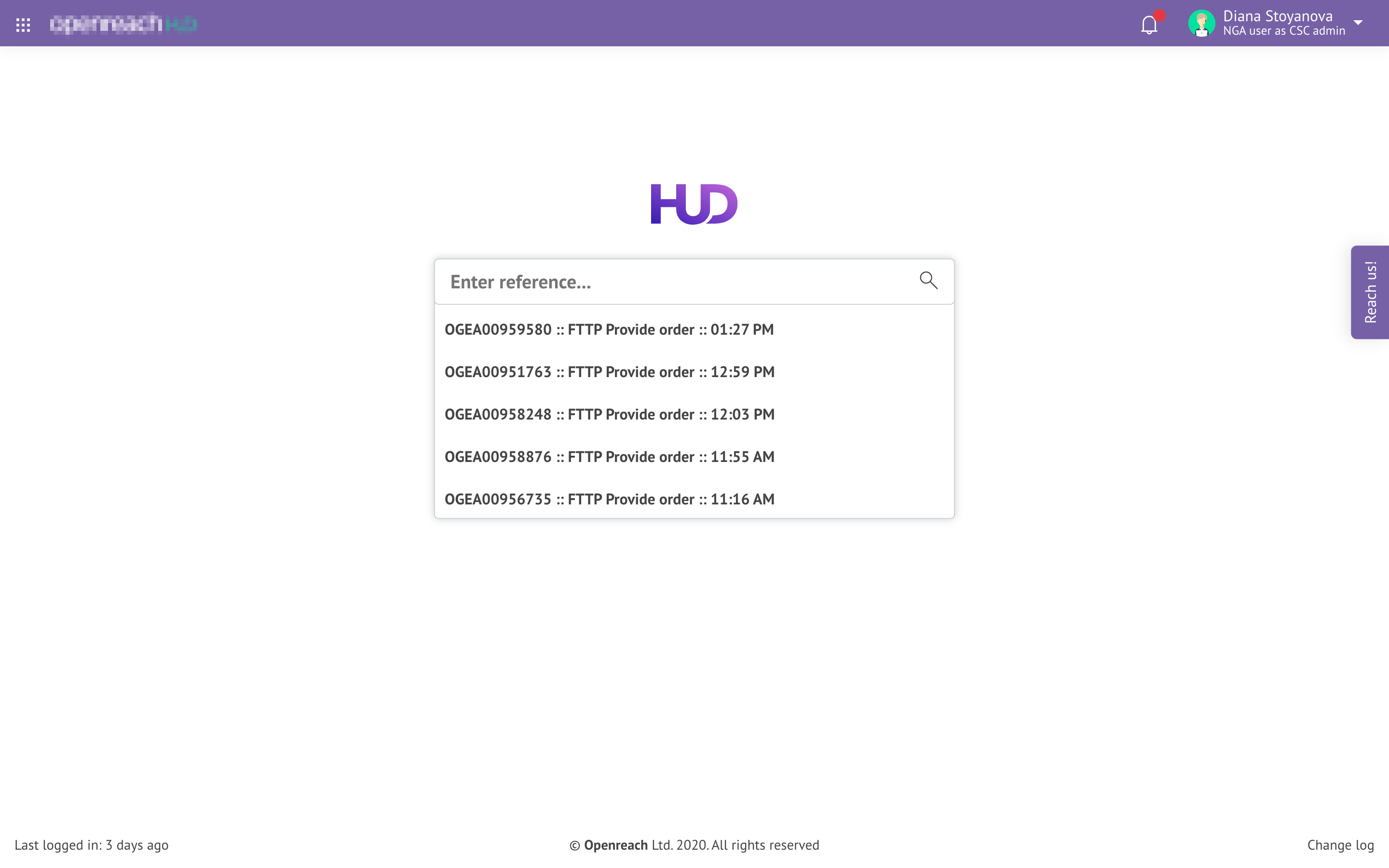
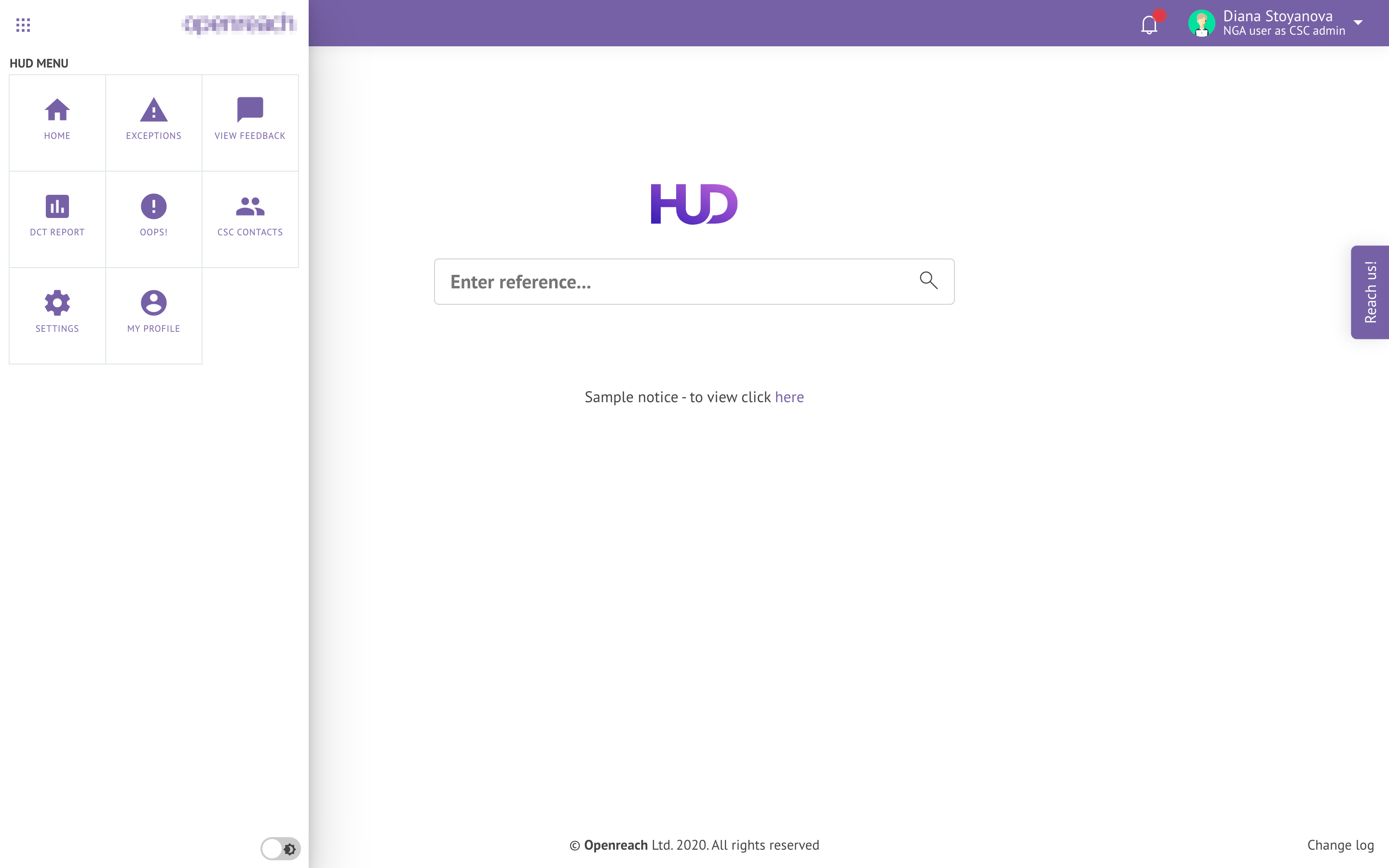
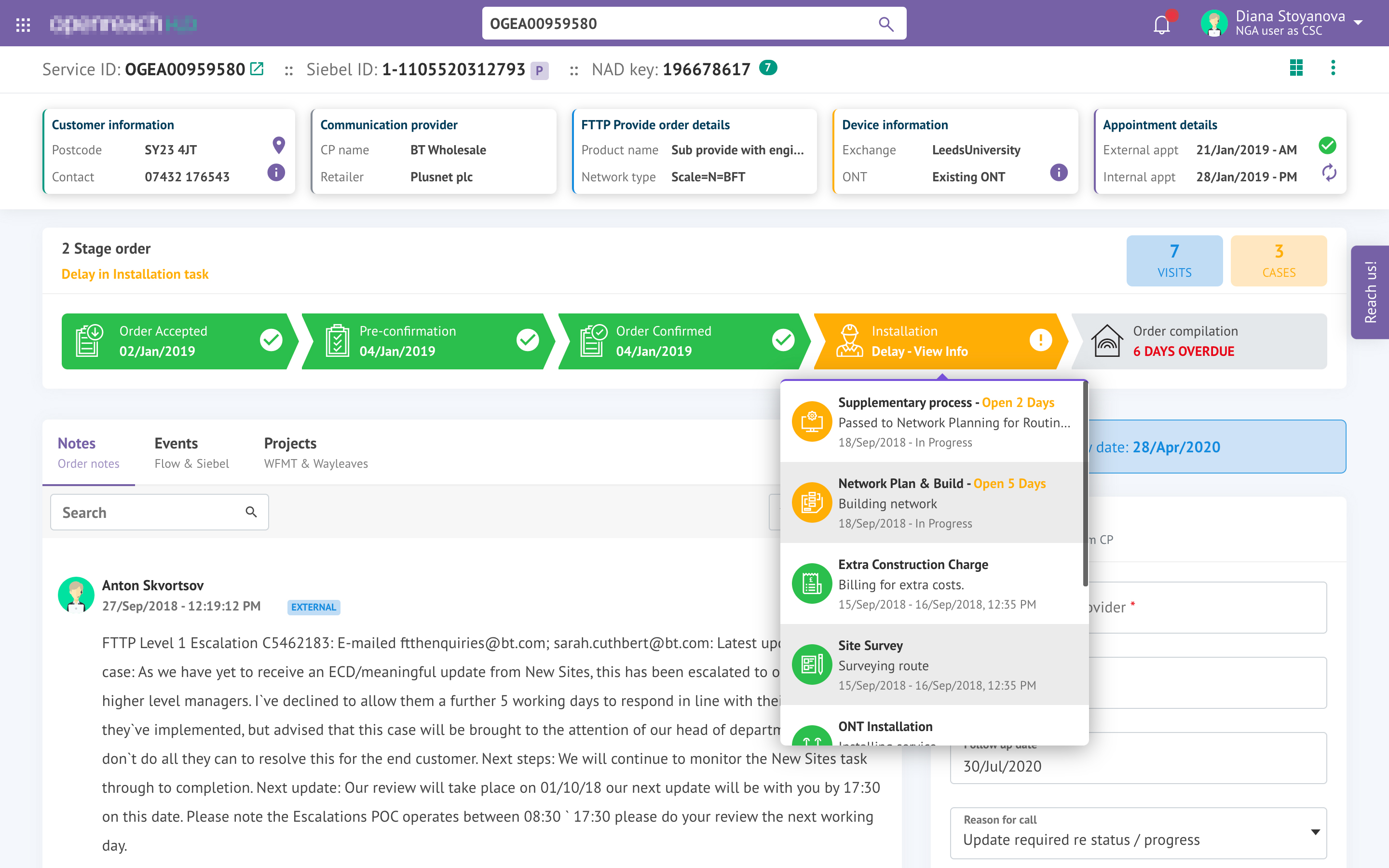
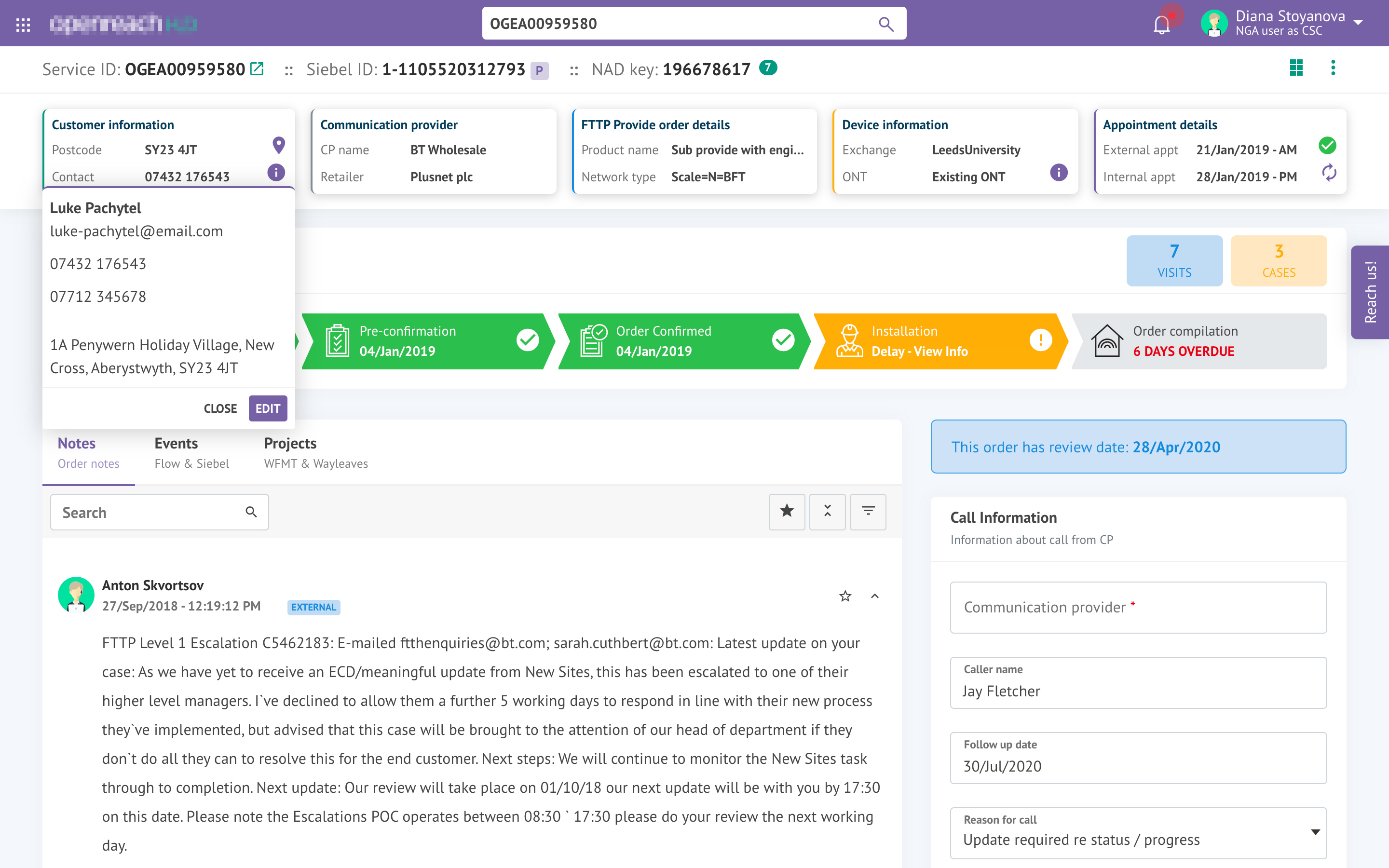
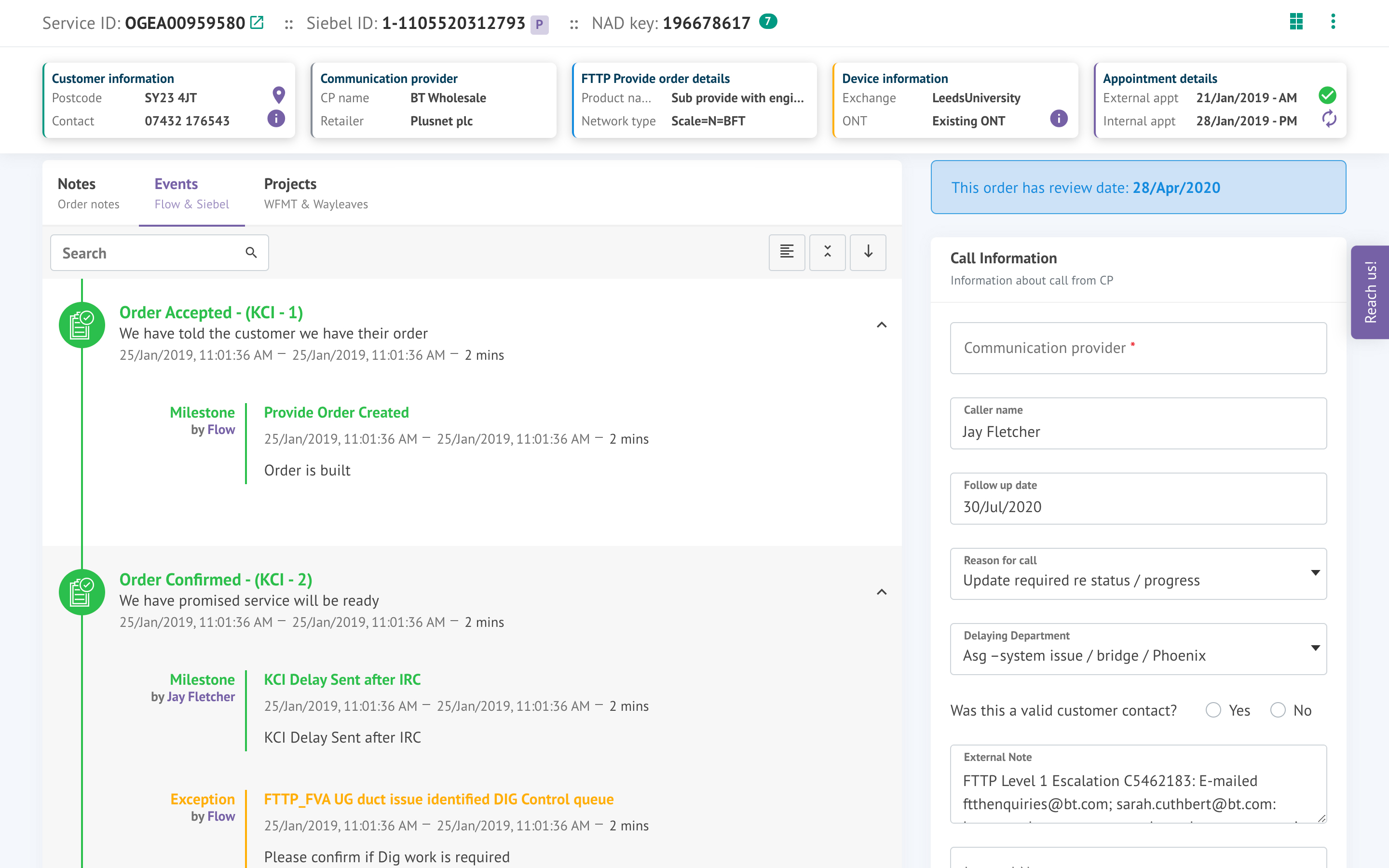
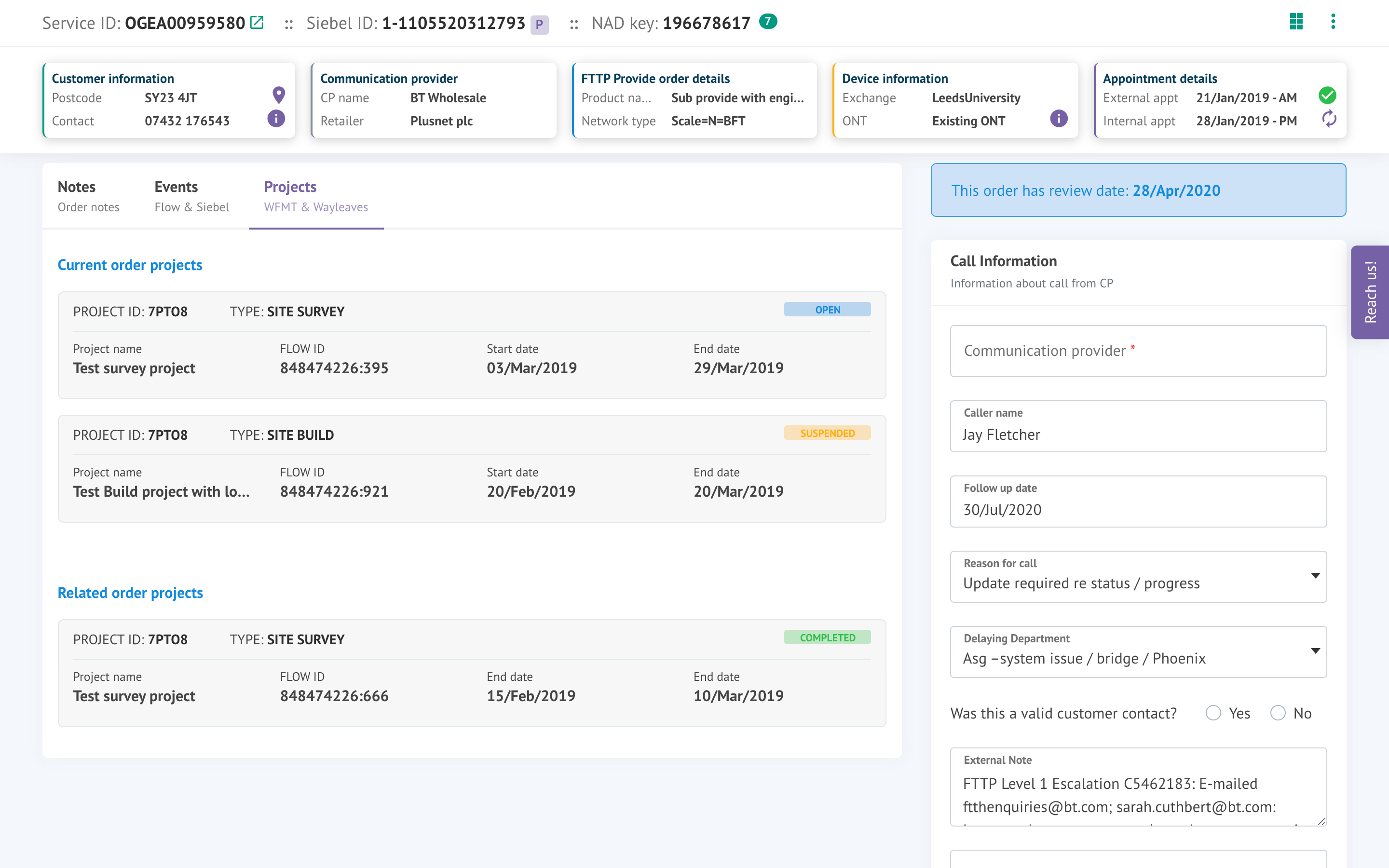
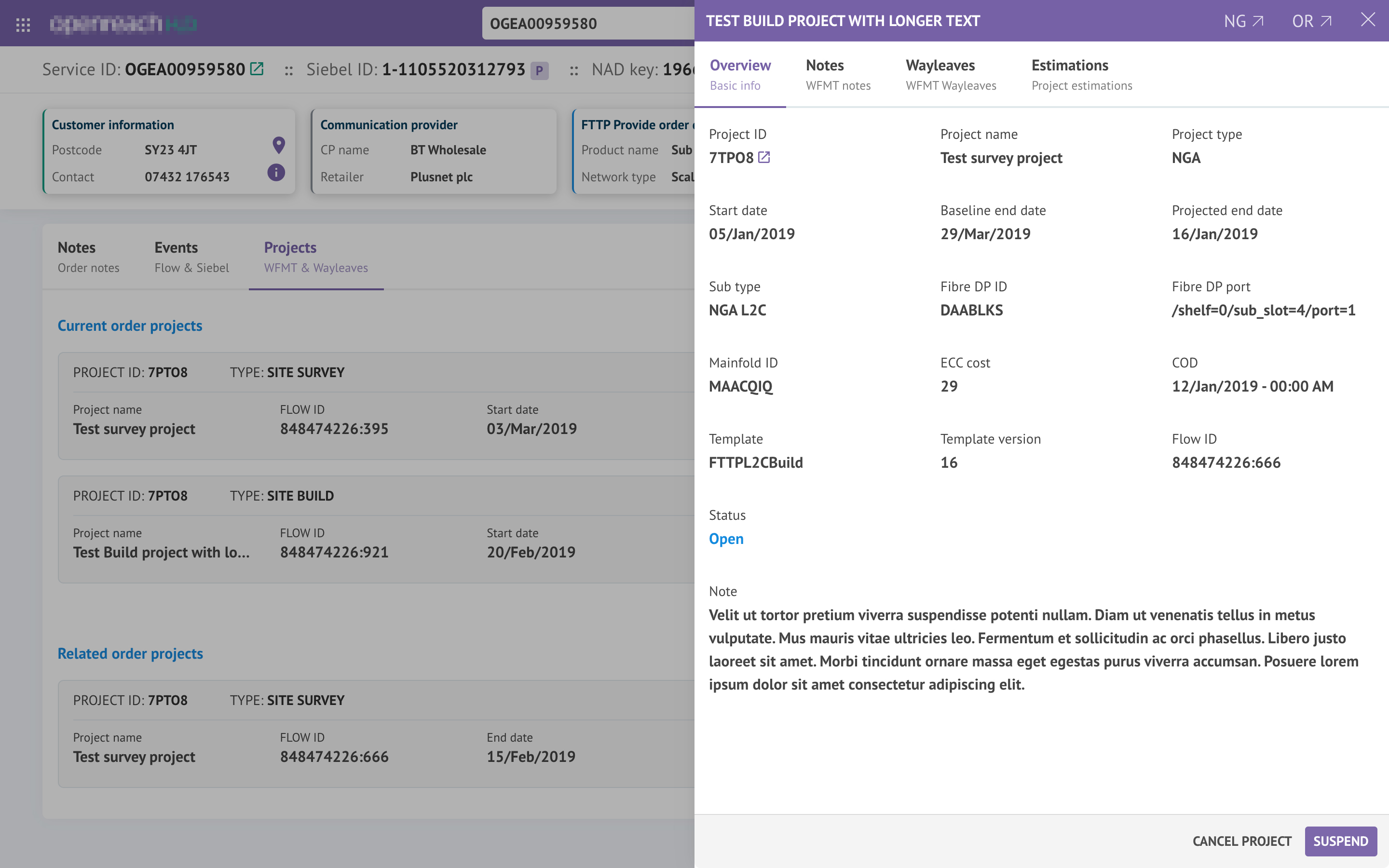
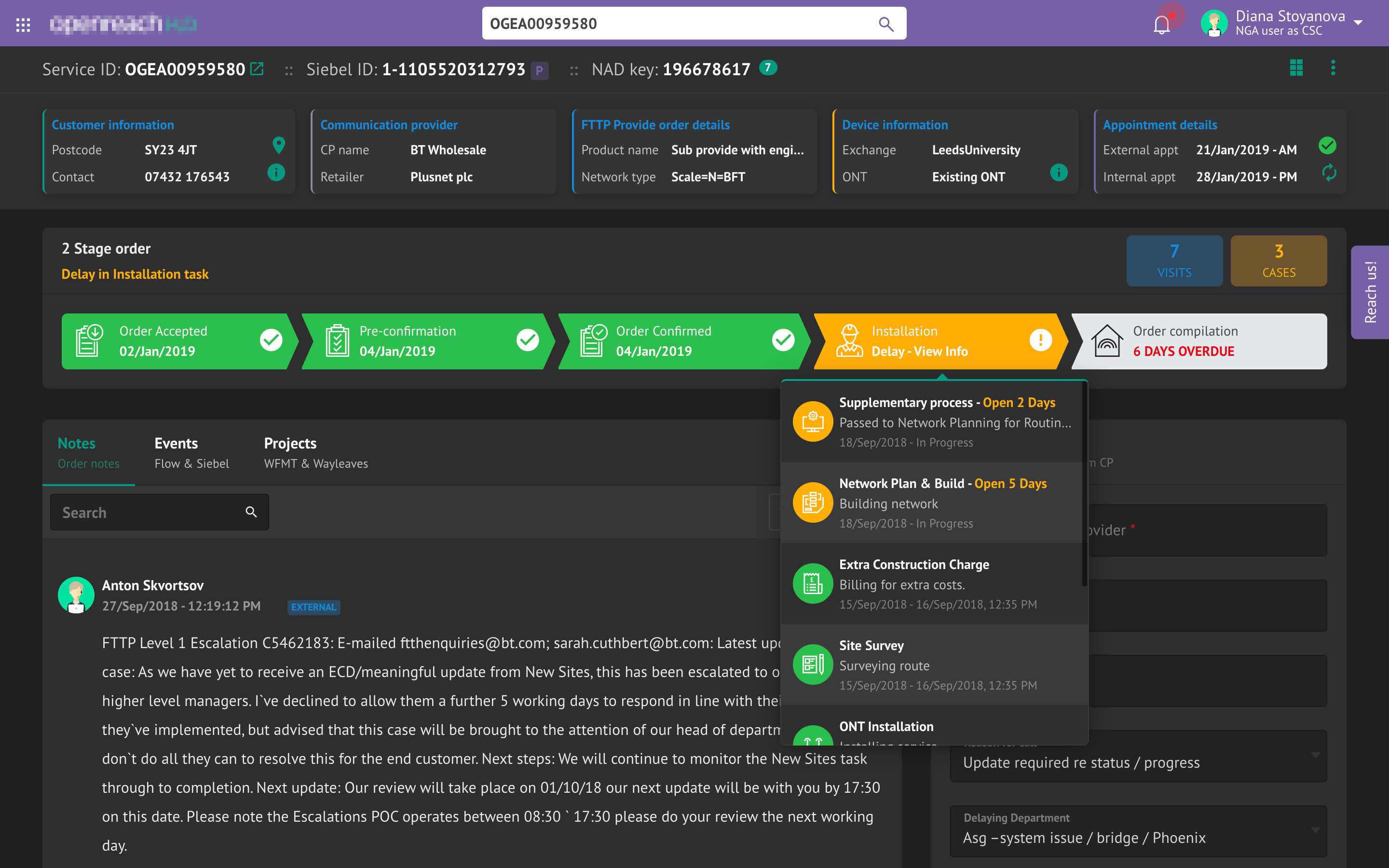
To bring out better User experience we continuously involved users to test our designs. Since it's an Agile approach we involved our uses to getting inputs and comments in every sprint
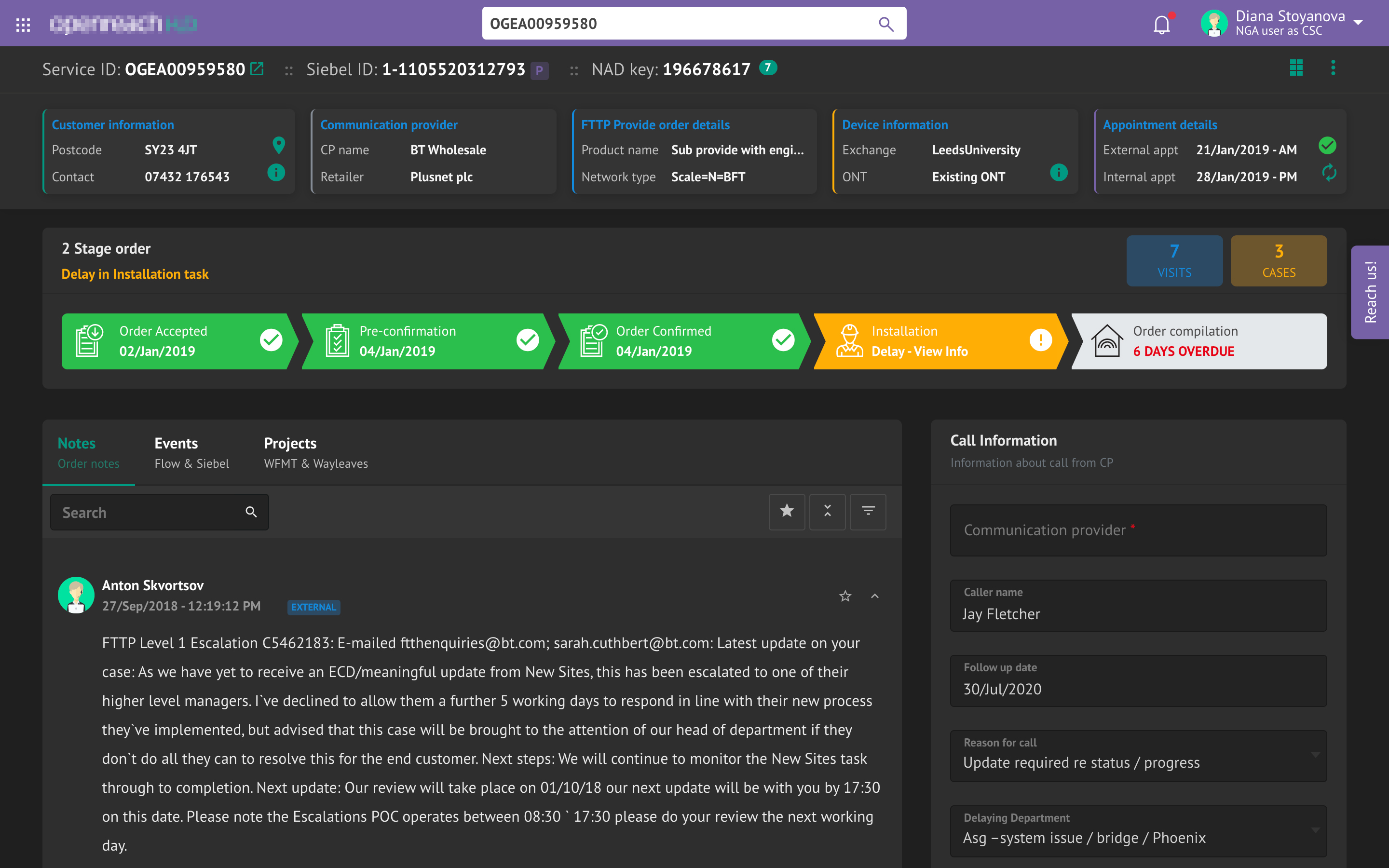
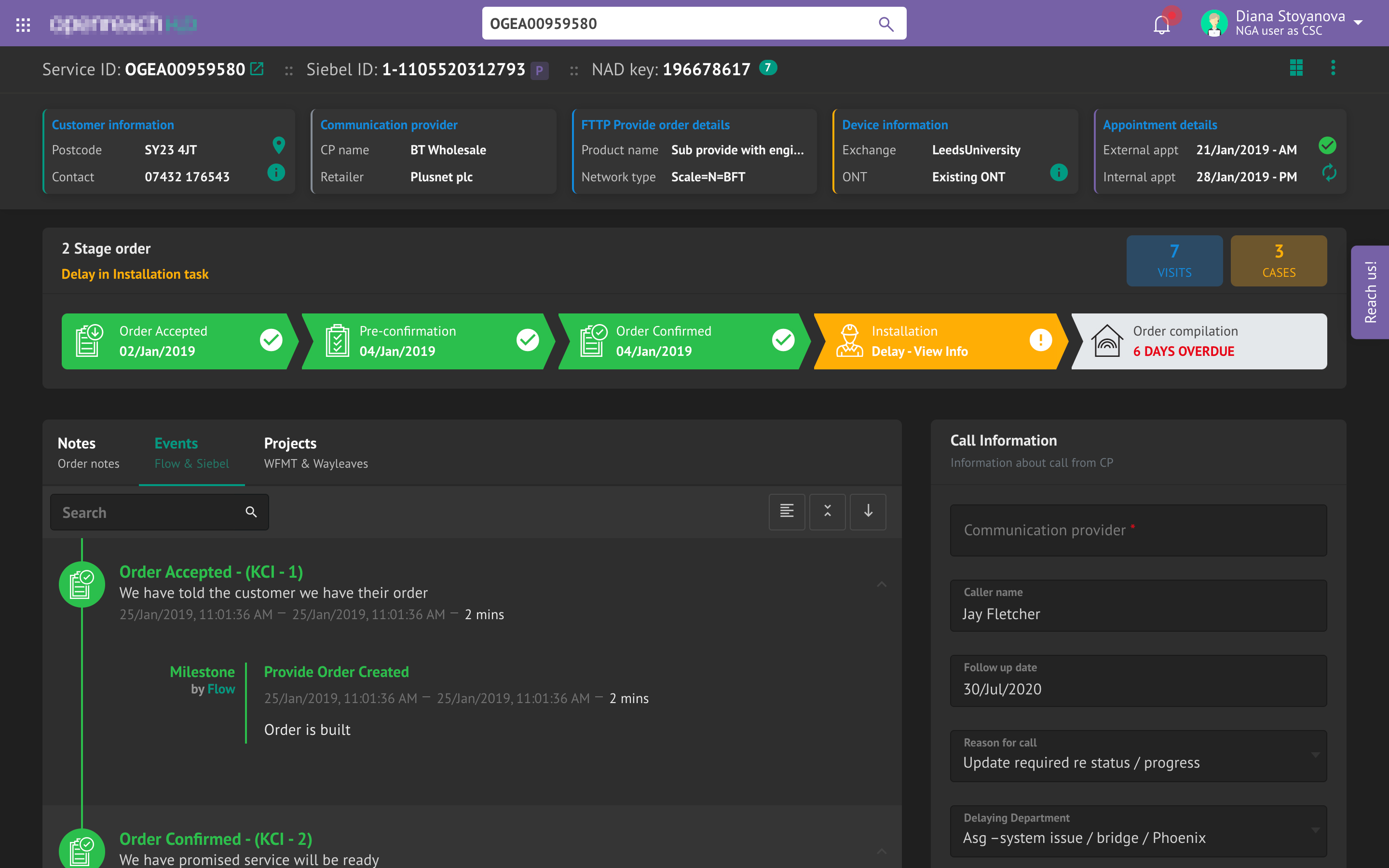

NDA-Protected Project
Want to know more? This project is under NDA. Let's schedule a deep dive with a presentation and Front-End demo.

